Meta Description Length Guide: Ideal Characters, Pixels & High-CTR Templates
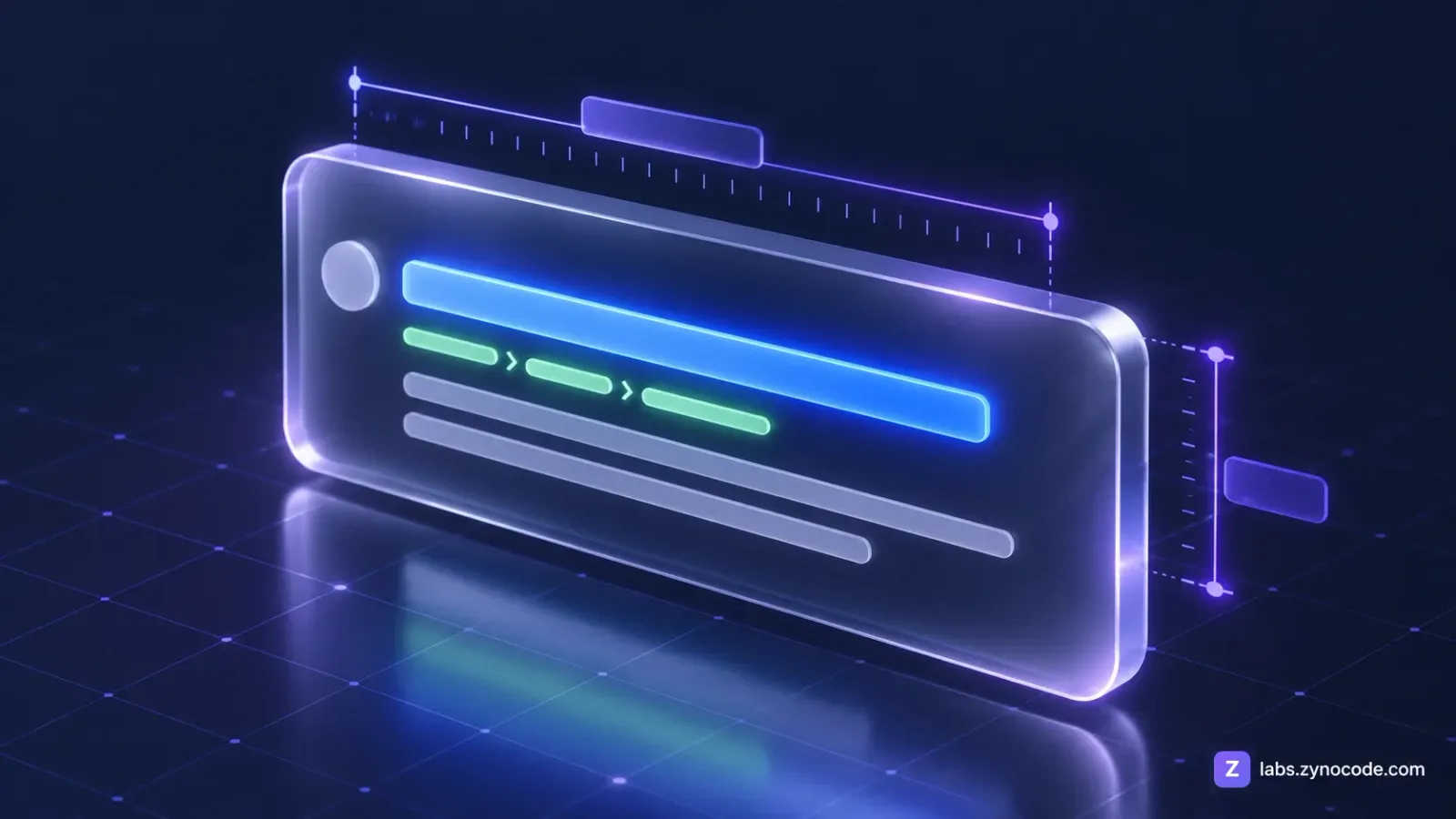
An optimal meta description length is roughly 150 to 160 characters, or approximately 920 pixels across two lines on desktop Google search results. Keeping your summary within these bounds prevents Google from cutting off your message with an ellipsis while providing searchers with a clear summary of your page.
Understanding optimal meta description length is essential for driving organic search clicks. Even if your webpage ranks in the top three organic positions, an awkward headline cutoff or an incomplete meta description can cause searchers to scroll past your result and click a competitor instead. Using a reliable SERP Preview Tool allows you to preview how your title, URL breadcrumbs, and meta description look in real Google search layouts before publishing your page.
What Is a Meta Description and Why Does Length Matter?
A meta description is an HTML element placed in the head block of a webpage that provides search engines and human searchers with a concise summary of the page content. According to the WHATWG HTML Living Standard, the <meta name="description"> element provides machine-readable metadata that describes the document. Search engines frequently extract this summary to populate the snippet text beneath the clickable title link.
In raw HTML source code, your basic snippet components look like this:
<!-- Example of standard search snippet metadata in the HTML head -->
<head>
  <title>Meta Description Length: Pixels, Examples & Tips | Zynocode Labs</title>
  <meta name="description" content="Learn the ideal meta description length in characters and pixels to prevent Google truncation. Preview your snippets using our free SERP Preview Tool.">
  <link rel="canonical" href="https://labs.zynocode.com/guides/google-serp-preview-meta-description-guide">
</head>
Testing this markup inside a simulator ensures that your text fits the pixel constraints of modern desktop and mobile browsers, ensuring your call to action is never cut off by an ellipsis.
Anatomy of a Google Search Result: Desktop vs. Mobile
Google formats search results differently across devices to account for screen sizes and interaction patterns:
Desktop Search Result Anatomy
- Breadcrumb URL & Kebab Menu: Positioned above the title. Shows the hostname and directory path (e.g.,
https://example.com › blog › seo) alongside a three-dot kebab icon that opens the "About this result" panel. - Title Link: Rendered in blue at approximately 20px Arial font size. On desktop, Google limits titles to a single line with an estimated width of roughly 580 to 600 pixels before cutting text off with an ellipsis.
- Snippet Description: Displayed in charcoal at roughly 14px Arial. Desktop snippets display up to two lines of text, with an estimated container budget of roughly 920 pixels across the combined lines.
Mobile Search Result Anatomy
- Favicon & Domain Header: Displays a circular site favicon next to the website name and breadcrumb URL path.
- Wrapped Title Link: Because mobile viewports are narrow (typically 360px to 414px wide), Google allows titles to wrap across up to two lines, accommodating more text before truncation occurs. Google does not publish fixed character or pixel limits for mobile.
- Mobile Snippet Description: Mobile snippets wrap description copy across two or more lines depending on device width and query relevance.
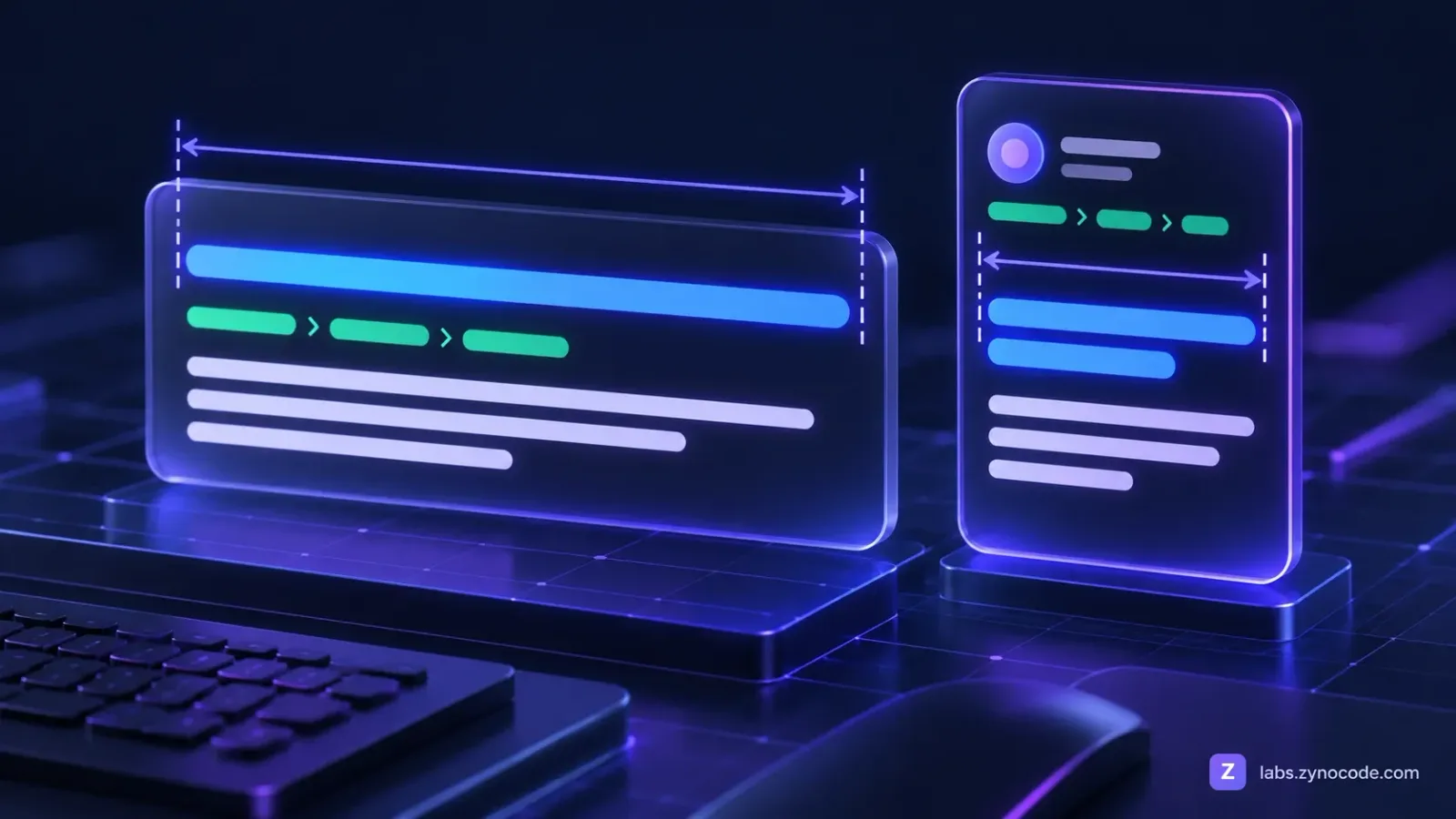
To preview these differences in real time, toggle between desktop and mobile viewport simulations in our free SERP Preview Tool.
Pixel Truncation: Why Counting Characters Can Mislead You
A frequent trap for content marketers is relying strictly on a fixed character counter. While counting characters is a useful rule of thumb, search engine layout containers are measured in horizontal pixels, not character tallies.
Google renders title links using proportional fonts (primarily Arial on desktop). In proportional typography, every letter occupies a distinct horizontal width:
- Wide uppercase letters:
Wtakes roughly 18.9px,Mtakes roughly 16.7px, and capitalOtakes roughly 15.6px in 20px Arial. - Average lowercase letters:
aandetake roughly 11.1px, andstakes roughly 10.0px. - Narrow lowercase letters:
rtakes roughly 6.7px,ttakes roughly 5.6px, whilei,l, andjrequire only 4.4px each. - Spaces: Each word space consumes roughly 5.6px.
Consider this measured comparison:
- Title A (52 characters, uppercase wide text):
HOW TO BUILD POWERFUL WEB WORKFLOWS FOR MODERN TEAMSoccupies roughly 672 pixels in 20px Arial. Despite having only 52 characters, it extends past Google's desktop limit of roughly 600 pixels and gets truncated. - Title B (63 characters, mixed case with narrow letters):
Little digital tips to simplify daily writing tasks efficientlyoccupies roughly 482 pixels in 20px Arial. Even with 63 characters, it fits cleanly inside the desktop container without an ellipsis.
For meta descriptions rendered in 14px Arial, Google allocates roughly 920 pixels across two lines on desktop screens. While keeping descriptions between 150 and 160 characters serves as an informal guideline, testing wide characters in a visual simulator prevents unexpected cutoffs.
Why Does Google Rewrite Meta Descriptions?
Even if your HTML source code contains a carefully composed meta description, Google does not guarantee that it will display your text. Search algorithms frequently substitute alternative text depending on query relevance.
According to official Google Search Central documentation on snippet creation, Google automatically generates snippets designed to emphasize and preview the page content that best relates to a user's specific query.
Google replaces your meta description under four common circumstances:
1. The Description Does Not Match the Searcher Query
If a visitor searches for a specific long-tail subtopic addressed deep in your article, Google will often bypass your general meta description and extract the exact sentence from your body text where that query is answered.
2. Missing or Empty Meta Description Tags
If your webpage head contains no meta description tag, search crawlers have no choice but to extract text from the opening paragraphs or random page elements.
3. Duplicate or Boilerplate Descriptions
Many content management systems duplicate the identical meta description across hundreds of product categories or paginated blog archives. Google detects this boilerplate repetition and pulls contextual on-page copy instead.
4. Low Quality or Keyword Stuffing
Descriptions that consist solely of comma-separated keyword lists (e.g., "cheap shoes, running shoes, buy shoes online, footwear") fail to provide a helpful summary. Automated quality filters reject these stuffed strings and extract descriptive sentences from the page body.
10 High-Converting Meta Description Templates by Page Type
To help you draft compelling snippets that avoid truncation, use these 10 illustrative templates tailored to different types of webpages. Each example is written to stay under 140 characters and verified to render under 900 pixels in 14px Arial:
1. Blog Post / How-To Guide
- Template:
Learn [how to achieve goal] with our guide. Discover [key benefit 1], [key benefit 2], and templates. Read more. - Illustrative Example:
Learn how to write meta descriptions in our guide. Discover ideal pixel lengths, common mistakes, and templates. Read more. - Measured Size: 123 chars, ~780px.
2. eCommerce Product Page
- Template:
Shop [Product Name] at [Brand]. Features [Key Feature 1] and [Key Feature 2]. Free shipping on orders over [Amount]. - Illustrative Example:
Shop Apex Trail Running Shoes at Apex Outdoors. Features waterproof Gore-Tex and Vibram grip. Free shipping on orders over $50. - Measured Size: 127 chars, ~826px.
3. Category / Collection Page
- Template:
Explore our collection of [Category Name]. Compare [Type A] and [Type B] desk chairs with [feature], top ratings, and fast delivery. - Illustrative Example:
Explore our ergonomic office chairs. Compare mesh and leather desk chairs with lumbar support, top ratings, and fast delivery. - Measured Size: 126 chars, ~783px.
4. SaaS Product / Feature Landing Page
- Template:
Streamline your [workflow] with [Software Name]. Automate [Task 1], track hours, and get paid faster. Start your free trial today. - Illustrative Example:
Streamline team invoicing with BillFlow. Automate recurring bills, track hours, and get paid faster. Start your free trial today. - Measured Size: 129 chars, ~759px.
5. Local Service Business Page
- Template:
Looking for an emergency [Service] in [City]? [Company Name] provides 24/7 [specialty], licensed technicians, and upfront quotes. - Illustrative Example:
Looking for an emergency plumber in Austin? Apex Plumbing provides 24/7 leak repairs, licensed technicians, and upfront quotes. - Measured Size: 127 chars, ~805px.
6. Comparison / Alternative Page
- Template:
Comparing [Tool A] vs [Tool B]? Explore an honest comparison of features, pricing, and integrations to pick the best fit. - Illustrative Example:
Comparing Slack vs Microsoft Teams? Explore an honest comparison of features, pricing, and integrations to pick the best fit. - Measured Size: 125 chars, ~774px.
7. Free Online Tool / Calculator Page
- Template:
Calculate [metric] instantly with our free online [tool name]. Fast, private, and runs directly in your browser with zero hassle. - Illustrative Example:
Calculate monthly loan payments instantly with our free online EMI calculator. Fast, private, and runs directly in your browser. - Measured Size: 128 chars, ~773px.
8. Free Resource / Template Page
- Template:
Download our free [Resource Name] template for [Year]. Includes [Feature 1], [Feature 2], and customizable sheets for your team. - Illustrative Example:
Download our free quarterly budget spreadsheet for 2026. Includes expense tracking, cash flow charts, and customizable sheets. - Measured Size: 126 chars, ~799px.
9. About / Company Overview Page
- Template:
Learn about [Company Name], our mission to [Mission Statement], and our engineering journey since [Year]. Discover our story. - Illustrative Example:
Learn about Zynocode Solutions, our mission to build privacy-first developer tools, and our engineering journey since 2024. - Measured Size: 123 chars, ~762px.
10. Event / Webinar Landing Page
- Template:
Join our live webinar on [Topic]. Learn [Key Takeaway 1], [Key Takeaway 2], and live Q&A with experts. Reserve your seat free. - Illustrative Example:
Join our live webinar on modern SEO strategies. Learn snippet optimization, CTR tactics, and live Q&A. Reserve your seat free. - Measured Size: 126 chars, ~791px.
Desktop vs. Mobile Snippet Specifications
To keep your snippet dimensions within safe bounds across devices, reference this summary table:
| Snippet Element | Desktop Display Target | Mobile Display Target | Primary Formatting Constraint |
|---|---|---|---|
| Title Link | Roughly 580px to 600px (~50–60 chars) | Wraps across up to 2 lines; Google doesn't publish limits | Strict single-line pixel ceiling on desktop |
| Meta Description | Roughly 920px total (~150–160 chars) | Wraps to more lines; Google doesn't publish limits | Truncated with ellipsis if exceeding container |
| URL Breadcrumb | domain.com › section › page | Favicon + Site Name + Breadcrumb URL | Automatically parsed from URL or BreadcrumbList schema |
| Menu Action | 3-dot kebab icon opening "About this result" panel | Site name heading above URL | Distinct UI layout elements per device |
Beyond titles and descriptions, adding structured data with our Schema Markup Generator can enhance your search appearance with rich snippet stars, FAQ dropdowns, or product availability tags.
How to Test Snippets in the Zynocode Labs SERP Preview Tool
Auditing search snippets manually in text editors leaves room for pixel miscalculations. Here is how to test and refine your metadata using our free browser-based suite:
- Enter Your Title Tag: Type or paste your draft title into the title field. The meter calculates pixel width based on 20px Arial font metrics and updates in real time. It displays green under 580 pixels, yellow between 580 and 600 pixels, and red when text exceeds 600 pixels.
- Input Your Target URL: Enter your page slug or absolute URL (e.g.,
https://example.com/blog/seo-guide). The tool formats your address into standard Google-style breadcrumbs. - Draft Your Meta Description: Paste your description into the textarea. The meter tracks pixel length based on 14px Arial and character counts. It shows green under 880 pixels, yellow between 880 and 920 pixels, and red when text exceeds the 920-pixel limit.
- Switch Between Desktop and Mobile Views: Click the Monitor icon to inspect the desktop snippet, then click the Smartphone icon to view mobile wrapping and favicon alignment.
- Score Your Headline: If your title needs stronger emotional hooks or better word balance, analyze it with our SEO Title Checker.
- Generate Ready-to-Use HTML: Once your preview looks perfect, copy your title and description into the Meta Tag Generator to export clean HTML tags, Open Graph cards, and Twitter markup.
Every calculation executes locally in your browser. Your draft copy, unpublished URLs, and confidential client campaigns are never transmitted to external servers.
Common SERP Snippet Mistakes to Avoid
Review these common pitfalls when optimizing search result snippets:
- Letting Descriptions Cut Off Mid-Thought: Google cuts snippets by pixel width (estimated at roughly 920px across two lines on desktop), not a fixed character count. If your call to action sits past the cutoff point, searchers will never see it.
- Ignoring Brand Name Width: If your CMS automatically appends
| Company Nameto the end of every title tag, include those characters in your pixel calculations so the brand does not force an ellipsis. - Writing Vague Summaries: Phrases like "Welcome to our website" or "Click here to learn more" waste precious character space without explaining what makes your page unique.
- Failing to Align with Search Intent: If your snippet promises a "free download" but the page demands a credit card signup, visitors bounce immediately, hurting your search performance.
Summary
Your Google search snippet is your primary organic billboard. By keeping title tags between 50 and 60 characters (under 580 to 600 pixels) and meta descriptions between 150 and 160 characters (under roughly 920 pixels), you present clean, professional snippets that maximize organic search clicks.
Before publishing your next webpage, test your layout across desktop and mobile screens with our free SERP Preview Tool. For additional on-page optimization workflows and technical guides, explore our library of more SEO guides.
Frequently asked questions
What is the ideal meta description length for Google?+
Google does not enforce a rigid character quota, but desktop search displays truncate snippets past roughly 920 pixels across two lines, which translates to approximately 150 to 160 characters. Keeping descriptions within this range prevents truncation.
Why does Google rewrite meta descriptions in search results?+
According to Google Search Central, search algorithms dynamically generate snippets from on-page body copy when the HTML meta description is missing, repetitive across pages, or fails to directly address the searcher query.
Does a meta description directly impact Google rankings?+
No, Google does not use the meta description tag as a direct ranking factor. However, a well-written meta description lifts organic click-through rates, which brings more visitors to your website.
What is the difference between desktop and mobile search snippets?+
Desktop snippets show single-line titles up to roughly 600 pixels and descriptions up to roughly 920 pixels across two lines. Mobile snippets wrap titles across two lines and display site favicons alongside breadcrumb URLs.
What is a SERP preview tool?+
A SERP preview tool is an online simulator that models how your webpage title tag, breadcrumb URL, and meta description render on Google search results pages across desktop and mobile screens.

Prashant Sharma · Founder & Technology Strategist
Prashant Sharma is the founder of Zynocode IT Solutions, specializing in web development, SEO tooling and generative AI workflows.