SEO Title Tag Length Guide: How to Craft Click-Worthy Google Titles
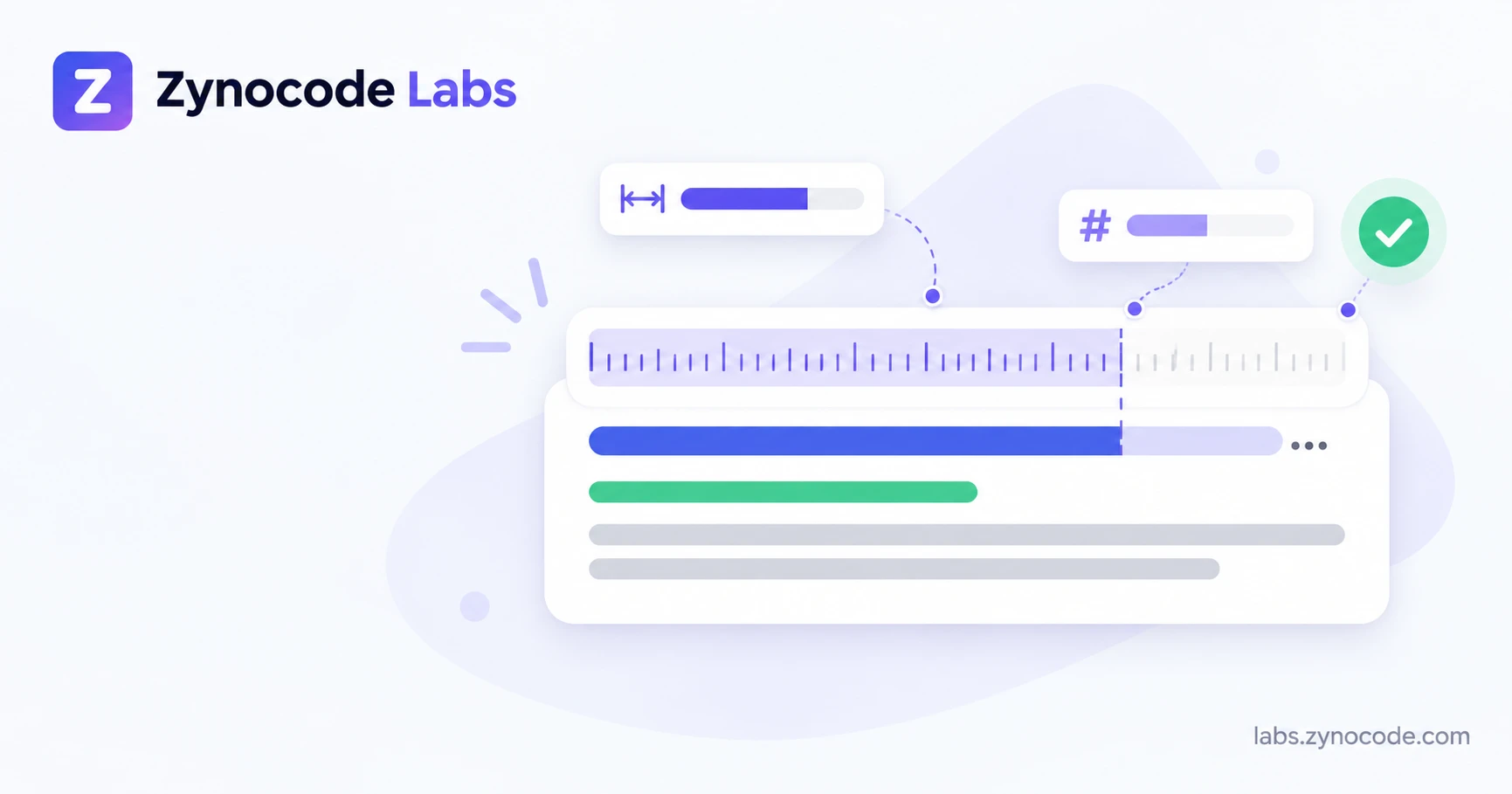
Google does not publish an official character limit, but search results truncate title links by display width. Keeping title tags between 50 and 60 characters (estimated at roughly 580 to 600 pixels on desktop) generally prevents headlines from cutting off with an ellipsis while keeping primary search keywords visible.
Understanding optimal title tag length is critical for earning search visibility and organic clicks. When people look for answers on search engines, your title link serves as the clickable headline in results. If a headline cuts off prematurely, searchers may miss the core message. Test your headlines with our SEO Title Checker to review character counts and structure before publishing.
What Is the Ideal Title Tag Length in Characters and Pixels?
An SEO title tag is the HTML element specified in the head block of a webpage that defines the document title often displayed as the clickable headline in search results. In raw HTML source code, it is written as <title>Your Title Here</title>. According to the WHATWG HTML Living Standard, the <title> element is required in most HTML documents and represents the title or name of the document.
Search engines use the title tag to help understand what a page is about. Beyond search indexing, title tags serve everyday functions:
- They provide the primary clickable title link shown in search engine results pages.
- They label open browser tabs so visitors can navigate between multiple tabs easily.
- They act as the default fallback title when pages are shared across social platforms and messaging apps without custom Open Graph tags.
If a title tag is unusually short, you may miss opportunities to convey key context. If a title is overly long, search engines truncate the tail end with an ellipsis (...), which can conceal important details or your brand name.
<!-- Example of an HTML title tag within the head element -->
<head>
  <title>SEO Title Length: Ideal Characters & Pixels | Zynocode Labs</title>
  <meta name="description" content="Master optimal SEO title tag length in characters and pixels.">
</head>
Characters vs. Pixels: How Google Truncates Title Links
Most SEO guides suggest keeping title tags under 60 characters. While 60 characters serves as a practical guideline, search engines do not rely on a fixed character count. Google renders search results using proportional font styling (predominantly Arial on desktop browsers).
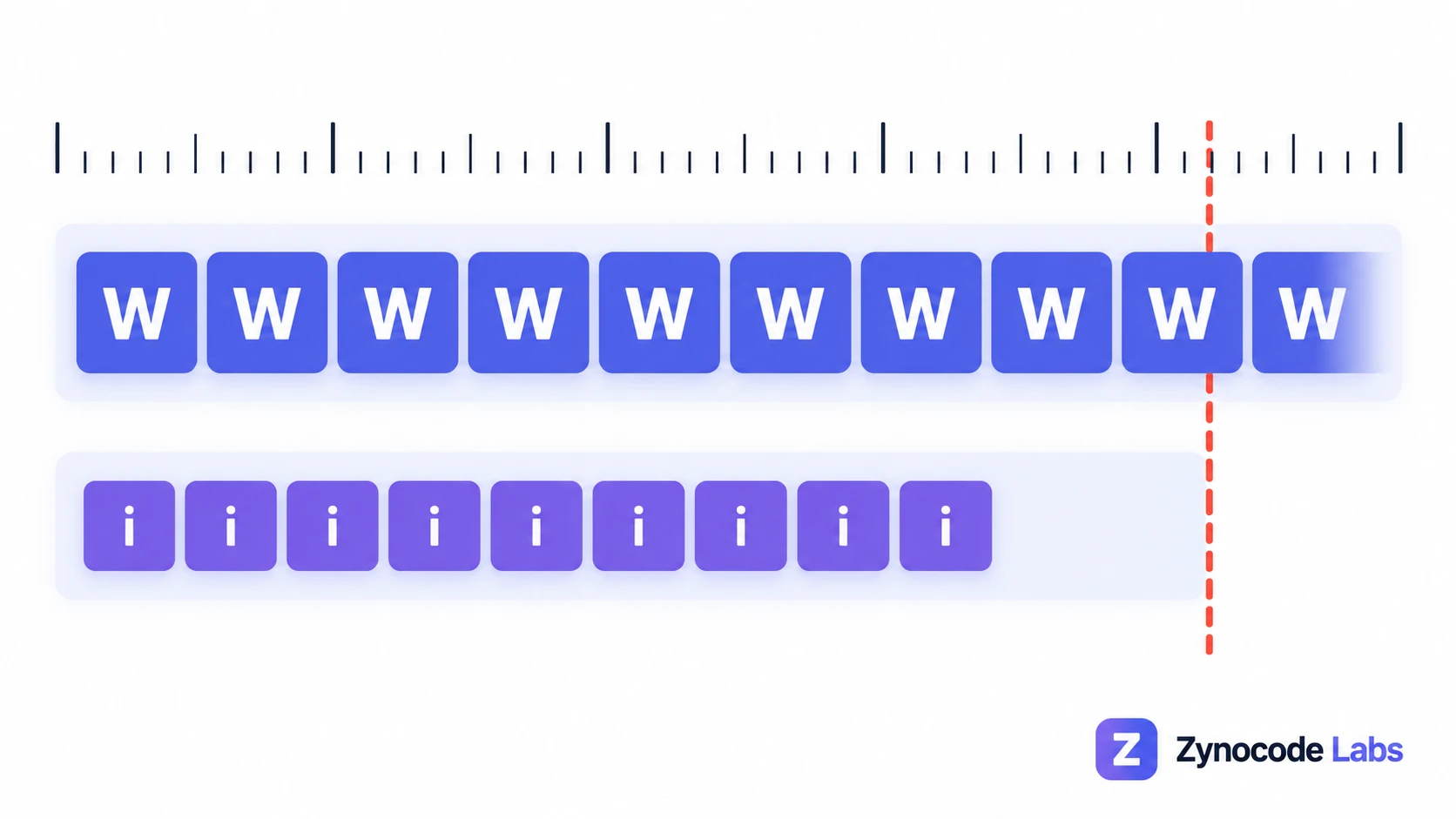
In a proportional font, individual characters occupy variable horizontal space:
- Wide uppercase characters like
WandMrequire substantial horizontal room. - Narrow characters like
i,l,t, and punctuation marks like|require minimal space. - Standard lowercase characters such as
a,c, andefall in between. - Spaces between words also take up horizontal space.
Because character widths vary, a 55-character title composed largely of uppercase letters may exceed display boundaries and truncate. Conversely, a 62-character title consisting mostly of narrow lowercase letters may fit comfortably without truncation.
Desktop and Mobile Screen Considerations
Display boundaries differ between devices:
| Device Viewport | Estimated Container Budget | Practical Character Target | Display Behavior |
|---|---|---|---|
| Desktop Displays | Estimated ~580px to 600px | Roughly 50 to 60 characters | Hard ellipsis cutoff when text exceeds container |
| Mobile Displays | Estimated ~680px or wider depending on device | Roughly 60 to 70 characters | Often wraps across two lines depending on viewport |
Because desktop search views generally enforce tighter horizontal boundaries than multi-line mobile snippets, keeping your title safe for desktop viewports helps ensure consistent display across devices.
You can evaluate your character counts, estimated pixel width against Google's desktop cut-off, and overall headline score using our SEO Title Checker.
Why Does Google Rewrite Title Tags?
Even when a title tag fits within standard lengths, search engines may display different text in search results. According to official Google Search Central documentation on title links, automated algorithms generate title links based on page content, headings, and incoming anchor text when the HTML title tag is deemed suboptimal.
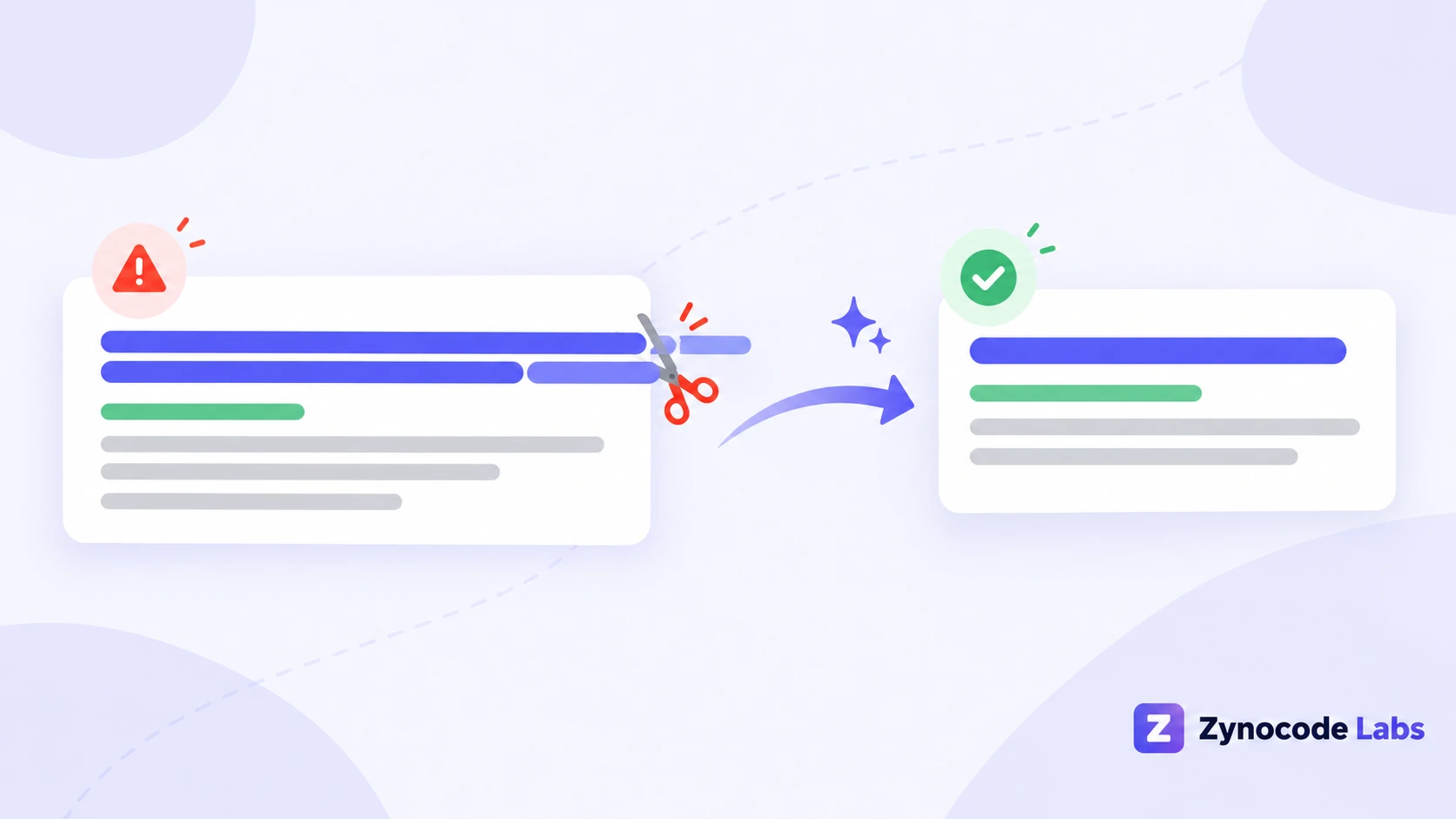
Google outlines several scenarios that commonly trigger title adjustments:
1. Extremely Long Titles
When titles extend beyond readable limits, search algorithms may shorten the title link or substitute text from an on-page heading.
2. Keyword Stuffing
Cramming repetitive keyword variations into a title creates a poor user experience. Google algorithms often replace keyword-stuffed strings with a concise heading or brand identifier. Review your on-page keyword density to ensure phrasing remains natural rather than stuffed.
3. Repetitive Site Boilerplate
Templates that append identical promotional slogans across many pages can lead search engines to filter out the repetitive segment to keep snippets distinct.
4. Inaccurate or Outdated Information
If a title tag promises details not reflected in the body copy, search systems may pull text from an on-page section that matches the user search query more accurately.
5. Half-Empty or Generic Titles
When titles consist of vague words like "Home" or simply repeat the site name without describing the specific page, search systems look for alternative headings or anchor text to create a more helpful snippet for users.
A Practical 7-Point Title Tag Checklist
Review this checklist before publishing new pages:
- Place Primary Terms Early: Position your core keyword near the beginning of the title tag so searchers immediately see relevance.
- Target a Safe Length: Aim for roughly 50 to 58 characters as an estimate to stay within typical desktop display limits.
- Ensure Page Uniqueness: Assign a distinct, descriptive title to every indexed URL across your site.
- Clarify Intent: Make it clear what the reader will find on the page, such as a guide, calculator, or checklist.
- Add Helpful Modifiers: Include natural qualifiers such as current year, format, or scope when appropriate.
- Include Brand Consistency: Append your brand name at the end using a separator such as a hyphen or pipe.
- Verify Snippet Output: Preview how your title and description will look with a SERP preview and generate clean HTML meta tags.
Illustrative Title Tag Rewrites
Here are illustrative examples showing how headline adjustments improve clarity and reduce truncation risk based on 20px Arial measurements:
Illustrative Example 1: Local Service Page
- Draft:
Plumber in Jaipur - Best Emergency Plumber Services, Affordable Pipe Repair, 24/7 Leak Fixing Jaipur - Measured Size: 100 characters, ~911px.
- Potential Issue: Substantial risk of desktop cutoff and keyword repetition.
- Revised:
Emergency Plumber in Jaipur: 24/7 Leak Repair | Apex - Measured Size: 52 characters, ~488px.
- Observation: Retains core service and city while remaining safely inside desktop display bounds.
Illustrative Example 2: Software Landing Page
- Draft:
The All-In-One Automated Invoicing Software Solution for Freelancers, Small Business Owners, and Remote Contractors | Invoicely - Measured Size: 127 characters, ~1,165px.
- Potential Issue: Likely to cut off mid-sentence on desktop displays, concealing brand name.
- Revised:
Invoicing Software for Freelancers & Contractors | Invoicely - Measured Size: 60 characters, ~525px.
- Observation: Focuses on primary target audience and keeps brand visible.
Illustrative Example 3: Blog Tutorial
- Draft:
How to Start a Blog from Scratch - Complete Step by Step Guide for Absolute Beginners to Make Money Online in the Modern Digital Era - Measured Size: 132 characters, ~1,213px.
- Potential Issue: Repetitive filler phrases extend past standard display bounds.
- Revised:
How to Start a Blog: Step-by-Step Guide | Example Site - Measured Size: 54 characters, ~493px.
- Observation: Clear topic definition and manageable length.
Using Zynocode Labs Tools for Title and Snippet Preparation
You can test and format page metadata with our free browser-based utilities:
- Evaluate Headline Structure: Use the SEO Title Checker to inspect character counts, estimated pixel width against desktop limits, and overall headline score.
- Simulate Snippet Truncation: Enter your draft title, meta description, and URL into the SERP preview tool to view a simulated search result snippet.
- Generate Header Markup: Produce complete HTML
<title>, standard description tags, and social media tags using the meta tags generator. - Explore Search Utilities: Check related tools in our SEO category for on-page text analysis and robots file preparation.
All processing occurs client-side in your web browser. Content entered into these utilities remains private on your machine and is not stored remotely.
Common Title Tag Mistakes
Review these common pitfalls when auditing titles:
- Relying Exclusively on Character Counters: Because characters vary in width, a character counter provides an estimate rather than an exact display guarantee.
- Leading with Company Names: Unless your organization has widespread brand recognition, searchers are generally scanning for answers rather than your name.
- Writing Vague Headings: Generic labels like "Home" or "Services" lack descriptive keywords needed by both searchers and search engines.
- Neglecting Mobile Readers: Searchers on handheld devices scan quickly, making clear, front-loaded keywords valuable across all screen sizes.
Summary
Carefully crafted title tags bridge the gap between search queries and your content. While Google does not publish a rigid character limit, targeting roughly 50 to 60 characters and keeping headlines concise minimizes truncation risks.
Check your title lengths and draft snippets anytime using our free SEO Title Checker and SERP Preview Tool. You can also explore more SEO guides to learn technical best practices for search snippets and indexation.
Frequently asked questions
How many characters should an SEO title tag be?+
Aim for roughly 50 to 60 characters. While Google does not publish a formal character cutoff, staying within this range generally ensures your title displays without an ellipsis on most desktop and mobile screens.
Why does Google rewrite page titles in search results?+
According to Google Search Central, automated systems adjust title links when titles are excessively long, stuffed with keywords, repetitive across pages, or inaccurate relative to the user query and on-page headings.
What is the difference between character count and pixel width?+
Character count tallies total letters and spaces. Pixel width measures physical horizontal space. Because search engines render titles with proportional fonts like Arial, wide letters take more visual space than narrow letters.
Does having a title tag longer than 60 characters hurt SEO rankings?+
Google does not penalize rankings simply for long titles, and search crawlers can still index words beyond the visual cutoff. However, truncated titles look incomplete to users, which may reduce click-through rates.
Should I put my brand name at the beginning or end of a title tag?+
Placing your brand name at the end separated by a hyphen or pipe is standard practice for most websites. This front-loads primary search terms and protects main keywords from potential truncation.

Prashant Sharma · Founder & Technology Strategist
Prashant Sharma is the founder of Zynocode IT Solutions, specializing in web development, SEO tooling and generative AI workflows.